Free browser extension · Chrome and Firefox
Stop scrolling.
Let it scroll you.
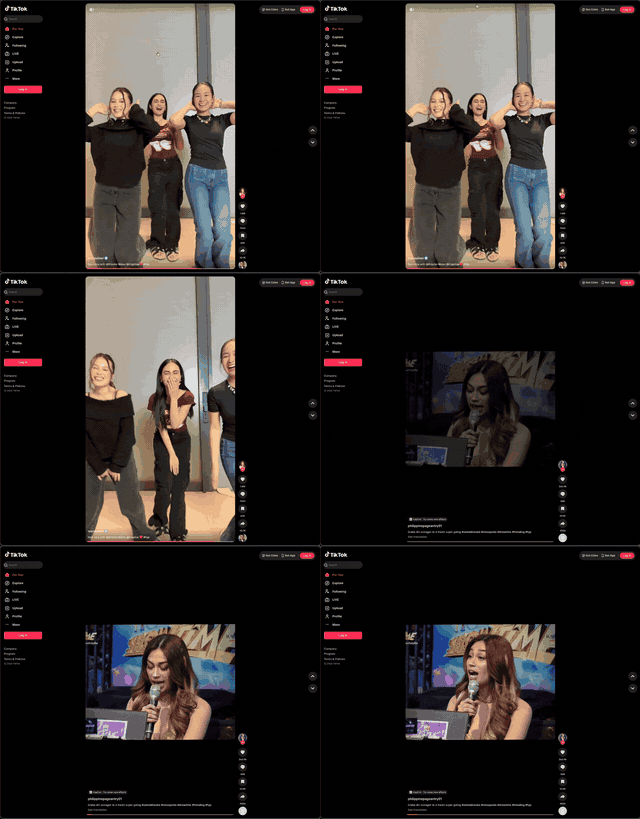
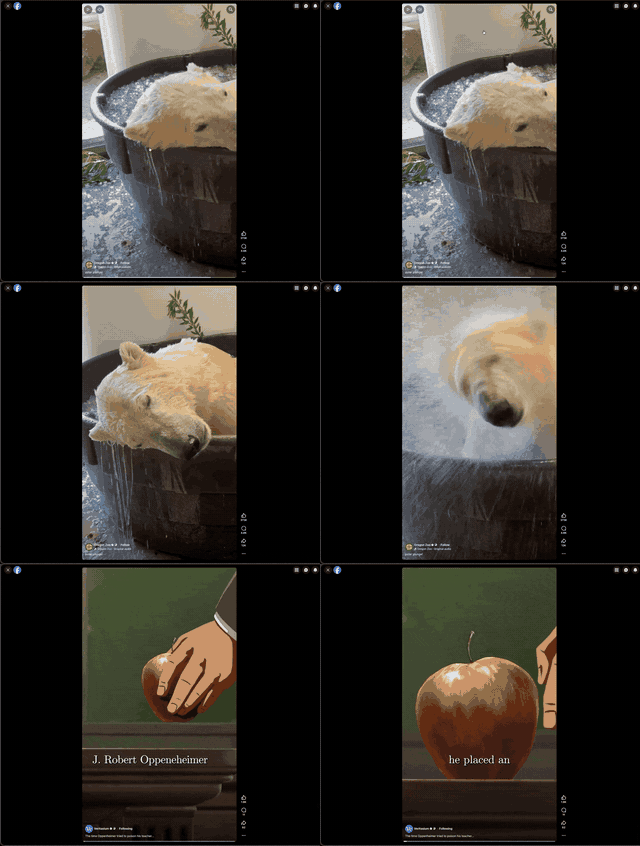
When a video ends, Brainrot moves your feed to the next one. YouTube Shorts, TikTok, Instagram Reels and Facebook Reels. No taps, no swipes.
- No account
- Collects nothing
- Desktop browsers
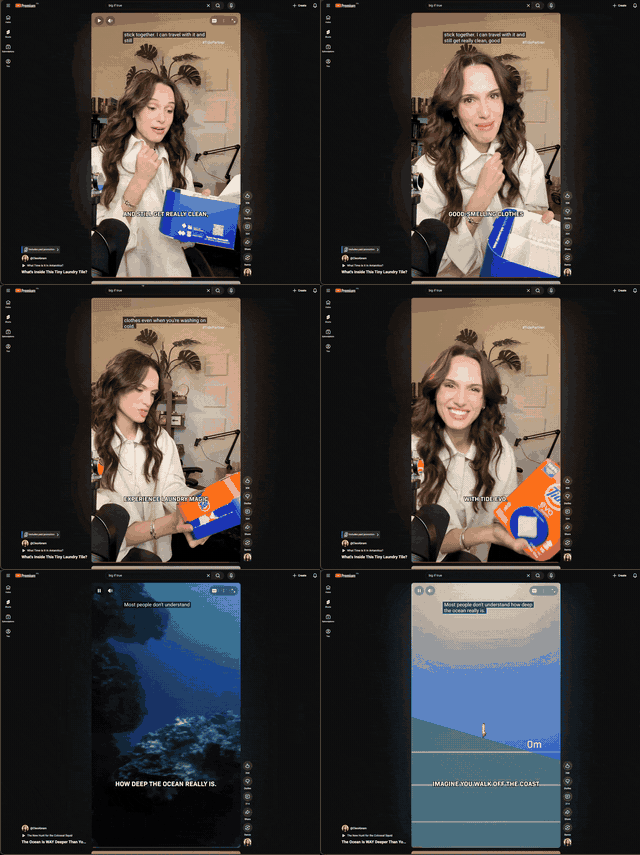
Install it, open a feed, watch.
- Install Add it from the Chrome Web Store or Firefox Add-ons. No sign-up.
- Open a feed Shorts, TikTok, Instagram Reels or Facebook Reels. It switches on by itself.
- Watch Each video plays to the end, then the next one starts.
Recorded hands-free
Each clip runs from one video to the next without a click or a swipe.
What it does
Moves on by itself
Uses each site's own next button, so the feed behaves as if you swiped.
Plays in the background
Switch tabs and the video keeps going. The feed moves on when you come back.
Pause means pause
Stop a video yourself and it stays stopped. One switch turns everything off.
Counts what you watched
Today and all-time, per site, kept only in your browser.
Questions
Does it work in background tabs?
Yes. Switch tabs and the video keeps playing. The feed moves on when you come back.
Is it free?
Yes, completely. No account needed.
Will it slow my browser down?
No. It only listens for the end of the video on feed pages and stays idle everywhere else.
Safari? Phones?
Safari is coming. Phones aren't supported: it's a desktop browser extension.
Turn on Brainrot mode.
Install once. Your feeds take it from there.